

Products to compare
Two cards, two reasons to buy
Compare these full-size SD cards only after checking the camera manual. Match capacity and pack count at checkout so a larger card or a two-pack does not distort the price comparison.
Choose the SanDisk V30 option when the exact camera mode accepts it and it costs less. Pay more for the ProGrade V60 only when the manual requires V60 or your compatible camera and reader can use the faster interface. If the manual calls for V90 or CFexpress, neither of these is the right substitute.
These links lead to product listings or manufacturer buying options. PriceChomp earns no commission from them. How our links work.
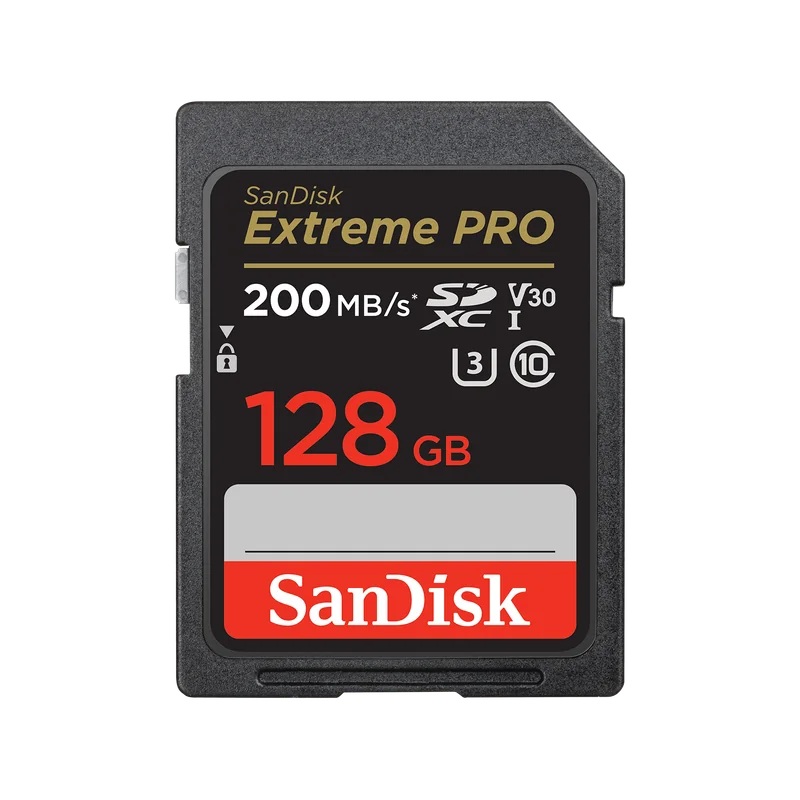
Enough when your recording mode accepts V30
SanDisk Extreme PRO SDXC UHS-I, 128GB, V30
128GB SDXC; UHS-I interface; U3 and V30 ratings. Model SDSDXXD-128G-GN4IN.
- Why choose it
- This is the straightforward comparison point for a camera whose manual accepts UHS-I SDXC and V30 for your chosen mode. Buy the required sustained speed before paying for a higher card tier.
- The tradeoff
- V30 is not a V60 or V90 guarantee. Advertised peak transfer speed also depends on a compatible reader, so it should not decide the purchase by itself.
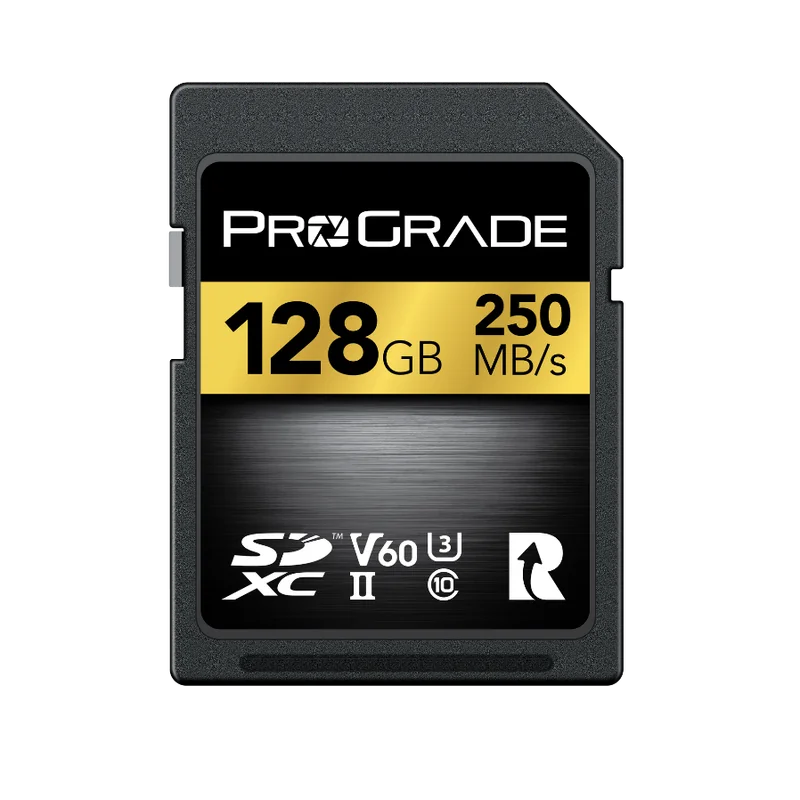
Step up when the workflow needs V60
ProGrade Digital SDXC UHS-II V60 250R Gold
Full-size SDXC; UHS-II interface; V60 rating. Select 128GB / Single for a like-capacity comparison.
- Why choose it
- The V60 rating provides a 60MB/s minimum sustained write class for supported recording modes. This is a relevant step up when your camera specifies V60 and supports this card type.
- The tradeoff
- It cannot satisfy a V90 requirement. A UHS-I camera slot cannot use the full UHS-II bus, so a higher price needs a specific recording or transfer benefit.
Product details checked against the linked manufacturer and retailer pages. These are research-based comparisons, not hands-on tests. Check the selected model, current price, availability, and return terms before buying.
Start with the camera slot, not the card label
The camera manual is the first compatibility check. Record the physical card size, supported capacity family, bus interface, and any speed requirement for the exact still or video mode you plan to use. Cameras with two slots can have different capabilities in each slot, so check them separately instead of assuming one specification covers both.
SDHC, SDXC, UHS-I, and UHS-II do not describe the same thing. SDHC and SDXC identify capacity and formatting families. UHS-I and UHS-II identify bus interfaces. A UHS-II card has a second row of contacts, while its first row supports interoperability with conventional hosts. That physical fit does not promise that an older camera will use the card's higher bus performance.
- Download the official manual if a used camera does not include one.
- Check every slot and every recording mode you expect to use.
- Confirm the supported capacity family before choosing card size.
- Treat physical fit and supported performance as separate questions.
Separate the four kinds of markings
A card face can combine several standards with a manufacturer's advertised peak speed. Read each mark for the question it actually answers. This prevents a large printed number or an unfamiliar symbol from standing in for compatibility.
| Marking | What it describes | Question to answer |
|---|---|---|
| SDHC or SDXC | Capacity and formatting family | Does the camera support this family and capacity? |
| UHS-I or UHS-II | Card-to-host bus interface | Can the camera slot use this interface? |
| C10, U1, U3, V30, V60, or V90 | Minimum sequential write speed class under a defined protocol | Which class does the chosen recording mode require? |
| A1 or A2 | Application and random-access performance | Is this relevant to the host and workload? |
| Printed maximum read or write speed | A manufacturer's stated peak result | Can the camera or reader approach it, and what sustained class is guaranteed? |
Translate speed class into a minimum
The number inside a Speed Class, UHS Speed Class, or Video Speed Class symbol represents a minimum sequential write speed under that standard's test conditions. The classes overlap numerically, but they use different protocols and host combinations. Match the standard named by the camera maker rather than treating every symbol with the same number as universally interchangeable.
Do not use resolution alone as the rule. Two video modes with the same 4K label can record at different bitrates or use different compression. The camera manual's recording table is the useful requirement for the exact mode.
| Class symbols | Minimum sequential write speed |
|---|---|
| C10, U1, or V10 | 10 MB/s |
| U3 or V30 | 30 MB/s |
| V60 | 60 MB/s |
| V90 | 90 MB/s |
Match performance to stills and video separately
For video, the sustained write requirement is the first performance gate. Choose a card that meets the class specified for the recording mode, with reasonable headroom when several approved choices are close in price. A peak read-speed claim does not replace that minimum.
For stills, ask how you actually shoot. Long RAW bursts create a different workload from occasional single JPEGs. A faster compatible card can reduce the time spent clearing the camera buffer, but only to the extent that the camera interface can use the card. Faster read performance can also shorten transfers when the reader, port, and computer support it.
- List the highest-bitrate video mode you will realistically use.
- Decide whether long bursts are routine or exceptional.
- Check the camera bus before paying for a faster card tier.
- Include the card reader in the workflow comparison.
Choose capacity from your own files
Use files from the camera, the manual's recording estimates, or a short test recording to size the card. For a still-photo estimate, multiply usable gigabytes by 1,000 and divide by the average file size in megabytes. For video, multiply usable gigabytes by 8,000, divide by the recording bitrate in megabits per second, then divide by 60 for minutes. These are planning estimates, not promised recording counts.
Leave room for variation and for your backup routine. Two smaller cards can limit the amount tied to one card, while one larger card reduces swaps. Neither choice creates a backup by itself. A two-slot camera provides redundancy only when it is configured to write the same files to both cards.
Test the card path when buying a used camera
Bring a known-good compatible card when inspecting a used body, or test immediately after delivery. Confirm that the camera recognizes and formats it, records the modes you need, plays files back, and transfers readable files. Test both slots when the body has two. A card error can come from several parts of the path, so one unverified card is not enough evidence to diagnose the camera.
Inspect the slot door, card-eject action, and visible contacts without forcing anything. Then record a short burst and the most demanding video mode you expect to use. Complete these checks within the seller's return window and keep the resulting files until you are satisfied.
Use one sentence to prevent overbuying
Before checkout, fill in this sentence: my camera supports ____, my chosen mode requires ____, this card provides ____, the camera or reader can use ____, and the capacity covers ____. If a premium card adds a capability that does not fill one of those blanks, it is probably not improving this purchase.
Compare reputable sellers on the exact card model, capacity, sustained speed class, return terms, and delivered price. Avoid turning the largest number on the package into the decision. The best card is the one whose standards match the whole camera and transfer workflow at a sensible cost.